
How to Set Up a Free LastPass Account and Why
Overview
LastPass is a digital keychain for all your passwords and a simple way for people to store and share their passwords for free.
Why should you use LastPass?
Because 83% of people would not know if their information was compromised online, it can take someone as little as 1-8 hours to hack even a complex password, and 66% of people use the same passwords for multiple accounts. LastPass makes it easy to use different complex passwords without forgetting them.
How to
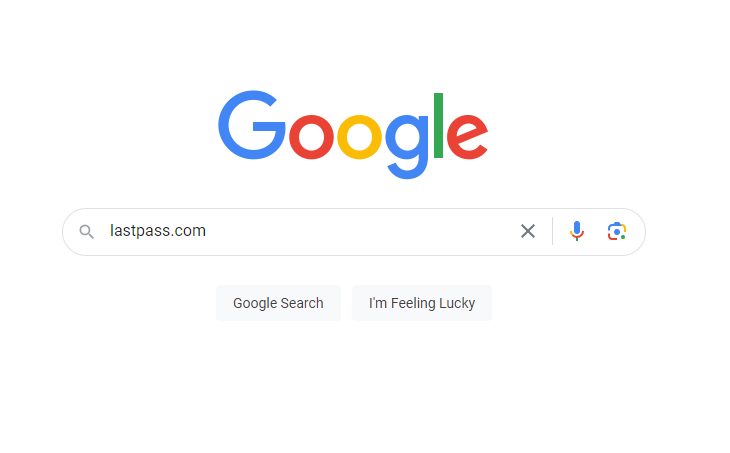
- Begin by going into your search bar and searching for LastPass.com.
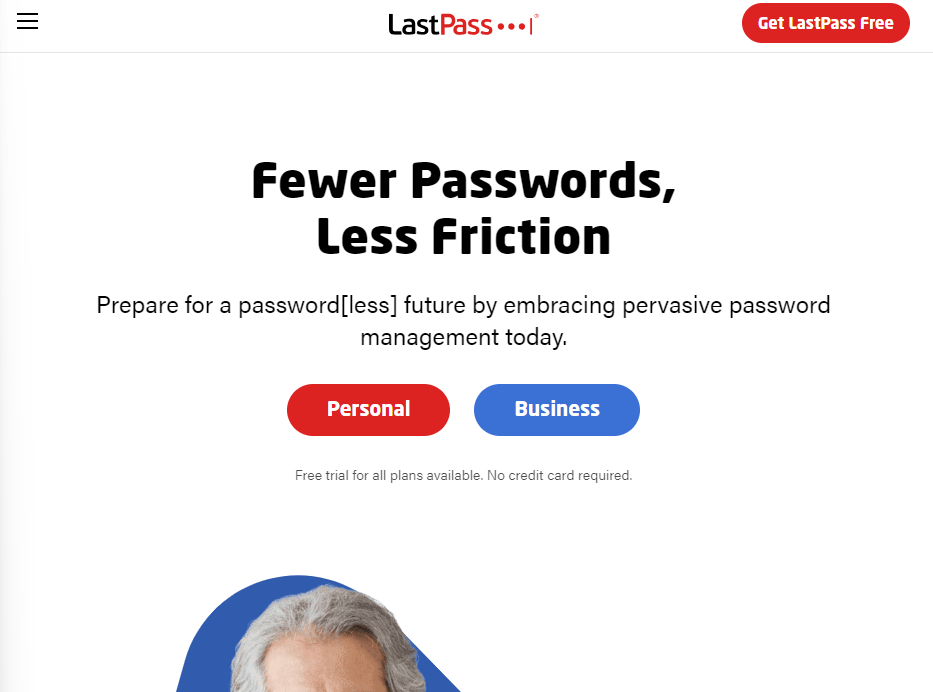
- On LastPass.com, select “Get LastPass Free” in the top right corn
- Enter your email address and create a master password for your LastPass account.
Keep track of this password, as you will not have access to your other passwords kept on LastPass without your master password.

After this, you are all set!

You can now begin to store your various usernames and passwords. You can also easily share passwords with trusted colleagues or with agencies such as My Marketing Assistant.
Our clients regularly trust secure sharing platforms such as LastPass when granting us access to their social media accounts, email services, website logins, and other platforms.
Using a password manager like LastPass can make managing all passwords much easier. If you upgrade to a paid account, you can use the app on your phone and in the browser extension.
LastPass and Security Issues
All of our high-security knowing friends may remember that LastPass has had a security breach in the last year. We know about this incident and appreciate LastPass’s security measures to protect our information.
If our clients don’t feel comfortable using LastPass, other password managers can be utilized. This is just the system we think is the most user-friendly and a good fit for our team. As always, make the decision that best fits you. It may not be the free LastPass account.